Guide
AI Enablement: Unlock Business Value with AI Integration
A practical guide to AI enablement—what it is, why it matters, the roles companies are hiring, and how to move from pilots to production responsibly.
Read →Guide
A practical comparison of Cursor, OpenAI Codex Cloud, and GitHub Copilot agents—workflows, pricing, and real-world trade-offs for indie dev teams.

TL;DR: Cloud-first coding agents now spin up remote environments, run your tests, and ship draft PRs while you stay focused on product strategy. Cursor, OpenAI Codex Cloud, and GitHub Copilot take different paths to reach that promise—so we unpack what they do well, where they stumble, and how to pick the right fit for your workflow.
Cloud-hosted coding agents have gone from novelty to necessity in less than a year. Cursor’s background workers, OpenAI’s Codex Cloud tasks, and GitHub Copilot’s issue-to-PR automation all let you hand off chores like refactors, bug fixes, and documentation updates to an AI teammate. The payoff is clear: let the agent grind through terminal commands while you continue designing architecture, reviewing strategy, or pairing with stakeholders. The catch? Each platform has different setup requirements, pricing models, and quirks that can either supercharge or slow down your team.
This guide breaks down how cloud coding agents actually operate, what it takes to get them running, and the pros, cons, and pricing bands for the three market leaders. Whether you are a solo indie hacker or part of a lean dev team, the goal is to help you decide when to deploy these agents and how to avoid surprises along the way.
If you're still refining how you brief an agent, bookmark our Advanced Prompt Engineering guide for CLEAR-style frameworks, meta-prompts, and formatting recipes that consistently generate high-signal instructions.
A cloud coding agent is an AI assistant that runs tasks inside an isolated remote environment instead of directly in your editor. You assign a goal—fix the flaky unit test, migrate a feature to TypeScript, generate e2e coverage—and the agent:
AGENTS.md or setup scripts).Because everything runs remotely, you can queue multiple tasks, monitor logs asynchronously, and keep working locally without waiting for the agent to finish. The trade-off is that you must grant controlled access to your codebase and keep an eye on usage costs.
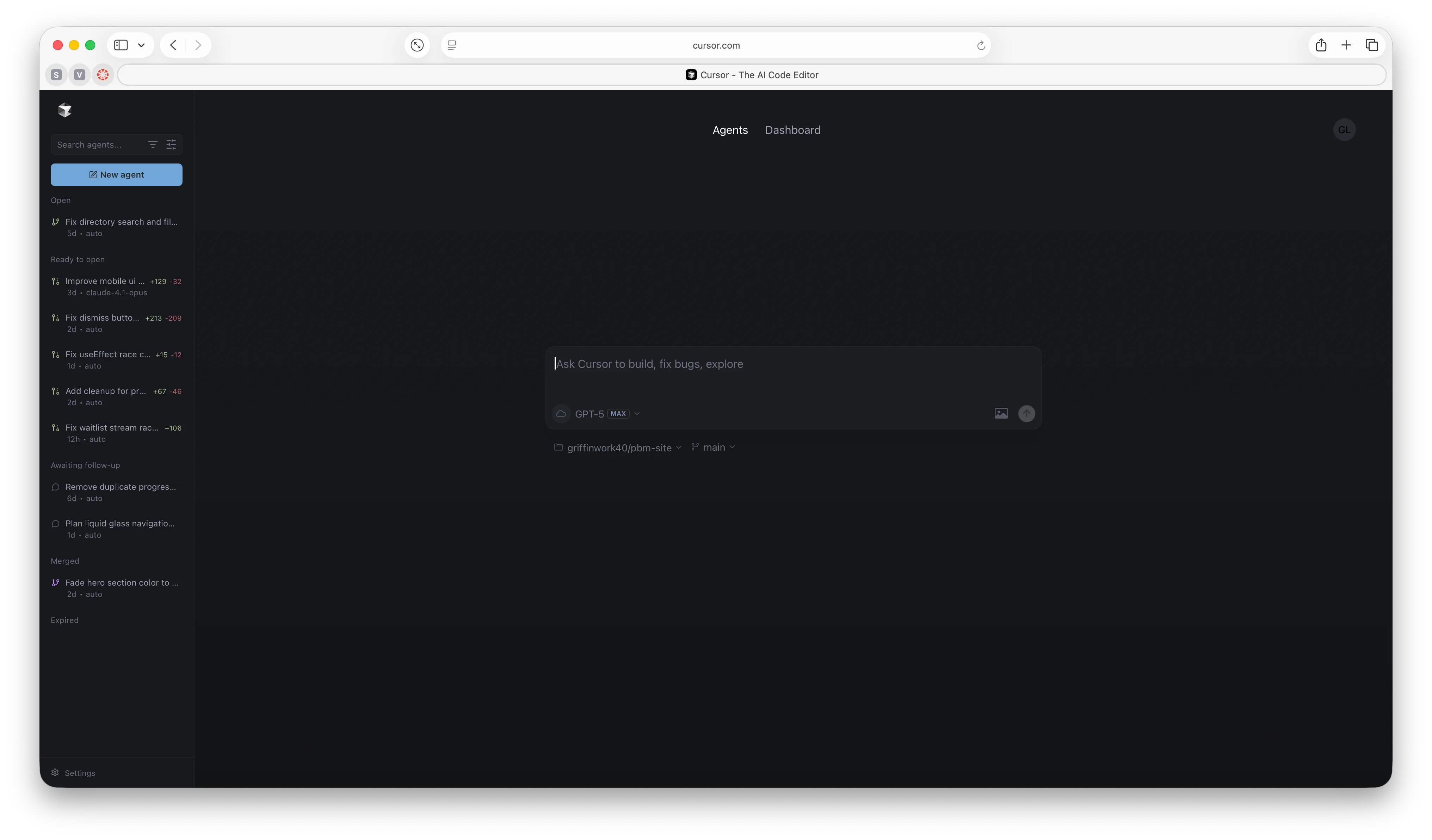
Cursor’s background agent spins up an Ubuntu-based VM, clones your repository, and runs against an allow-listed set of tools. You configure the environment through a Dockerfile or setup.sh, toggle privacy permissions, and connect GitHub for read/write access. Once a run starts, the agent reads files, applies changes, runs tests, and iterates until checks pass. The Cursor editor shows a live control panel where you can pause, inject instructions, or open an interactive shell, and recent releases added multi-agent management, Linear integration, and OS notifications when jobs finish.
BugBot complements the workflow as an AI reviewer. It posts inline PR comments, flags security issues, and offers one-click fixes that open directly in Cursor. Teams can craft custom rule sets to enforce naming conventions, ban risky APIs, or guide refactor strategies. Together, the background agent and BugBot feel like a pair of junior teammates who can both implement and review work.
Pricing snapshot
Strengths
Quirks to watch
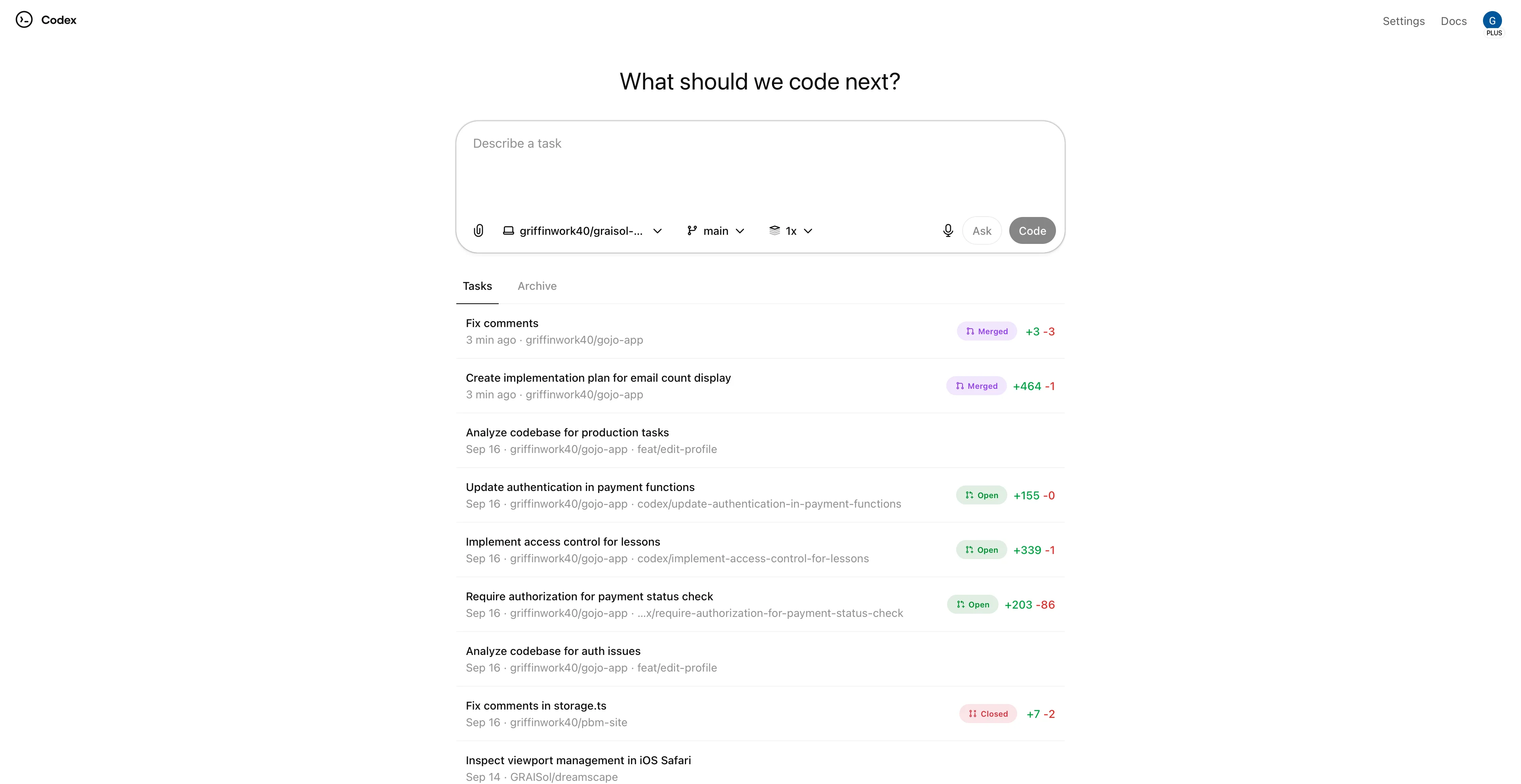
OpenAI positions Codex Cloud as a full-stack teammate that lives across ChatGPT, CLI tooling, and IDE extensions. Tasks run in two modes: Ask for research questions or codebase exploration, and Code for hands-off implementation work. Each task executes in an isolated sandbox preloaded with your repository, streams terminal logs in real time, and requires explicit approval before merging results.
The September 2025 release introduced GPT-5-Codex, a specialized model tuned for agentic coding. It handles long-form reasoning, follows repository conventions more faithfully, and can jump between CLI, IDE, and web surfaces while preserving context. Codex now caches container builds, auto-runs setup scripts, and can accept image inputs—useful when the agent needs to inspect UI mockups or bug screenshots.
Pricing snapshot
Strengths
@codex review to trigger targeted audits for security, accessibility, or performance.Quirks to watch
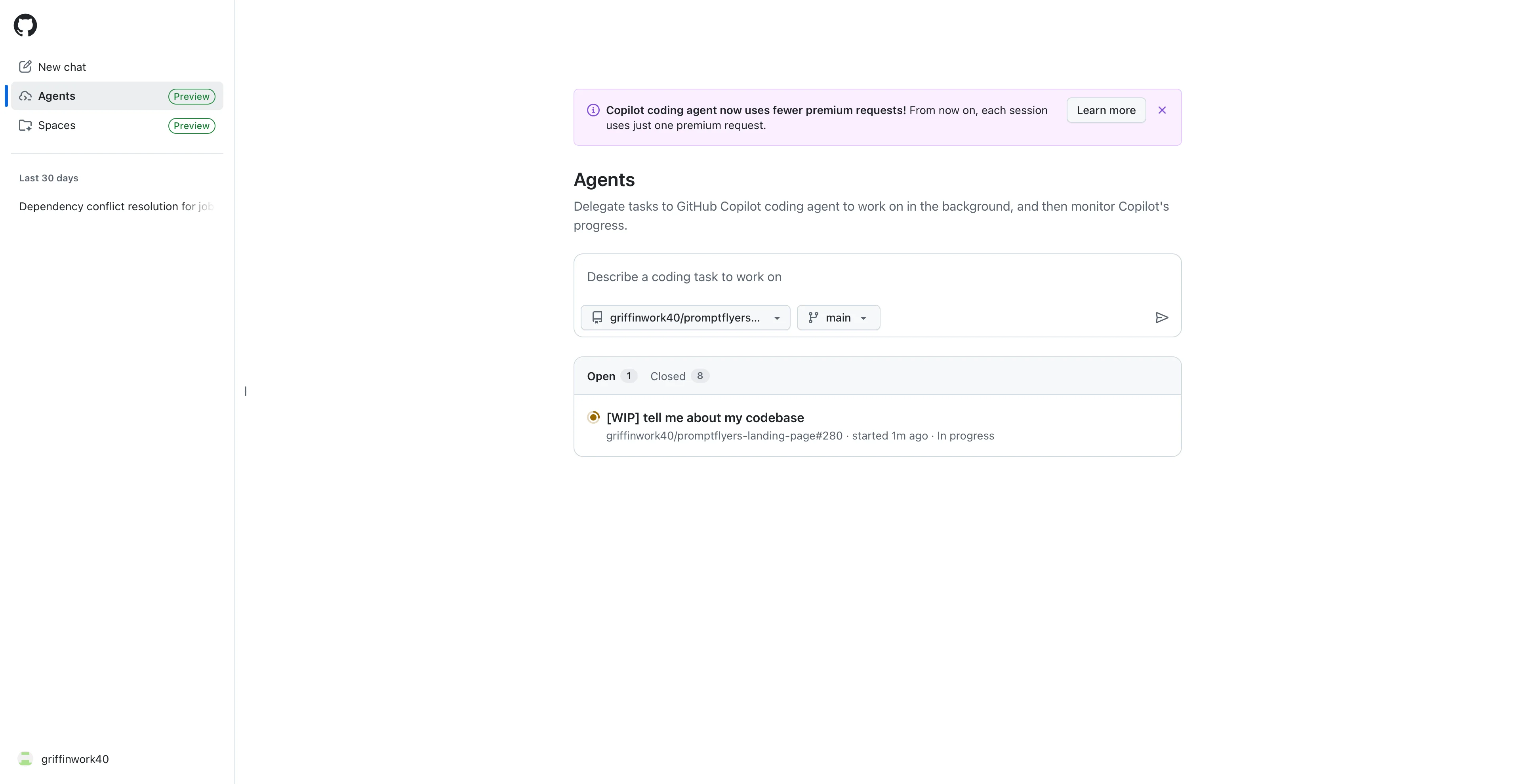
GitHub Copilot’s agent lives entirely inside GitHub. You open an issue, assign Copilot, and it spins up a GitHub Actions runner that creates a copilot/ branch, runs the tests you define, commits changes, and opens a draft PR. Activity is logged in the repository timeline, so you can audit commands, review commits, and inspect workflow runs as if a teammate handled the work manually.
The 2025 preview added an Agents dashboard that centralizes tasks, supports multiple concurrent runs, and fires notifications when human review is needed. Because Copilot operates within GitHub’s infrastructure, it cannot merge changes without approval and respects repository permissions by default. The trade-off is that it only works on GitHub-hosted codebases and relies on your Actions minutes.
Pricing snapshot
Strengths
Quirks to watch
| Agent | Entry plan & price (USD) | Stand-out features |
|---|---|---|
| Cursor Pro | $20/month | Background agents on remote VMs, multi-agent management, BugBot code review, Linear and GitHub integrations. |
| Codex Plus | $20/month | Ask vs Code task modes, GPT-5-Codex reasoning, cross-surface continuity, automated code review with safety rails. |
| Copilot Pro | $10/month | Issue-to-PR automation inside GitHub, concurrent task queue, transparent Actions logs, secure sandboxed runs. |
| Power tiers | Cursor Ultra $200/month, Codex Pro $200/month, Copilot Pro+ $39/month | Larger usage pools, higher model priority, and admin analytics for fast-moving teams. |
The rise of cloud agents signals a shift from autocomplete suggestions to full task delegation. Three trends are accelerating the shift:
Cloud coding agents already deliver meaningful leverage. They refactor codebases, generate tests, and keep CI pipelines green while you focus on higher-level decisions. Success, however, still depends on thoughtful prompts, curated setup scripts, and human oversight in code review—precisely the skills sharpened in the Advanced Prompt Engineering guide.
When the agent declares "done," don't stop there. Follow the iterative QA loops from Agentic Coding with Broad Prompting to surface hidden edge cases, feed them back into your tasks, and ship production-grade changes with confidence. Treat agents like junior teammates: delegate the mechanical work, review their output, and keep the roadmap aligned to your product vision.
More writing
A practical guide to AI enablement—what it is, why it matters, the roles companies are hiring, and how to move from pilots to production responsibly.
Read →Our GPT-4o powered chatbot qualifies leads, captures high-value prospects, and turns casual visitors into consultations—lifting conversion rates by 40%.
Read →Discover 12 AI tools and strategies small businesses use to compete with giants, automate operations, and drive growth—all while staying budget-friendly.
Read →Explore